What Do You Really Need for a Great PC Gaming Setup?
What Do You Really Need for a Great PC Gaming Setup?
A powerful setup is not only about buying the most expensive gear. It is about choosing the right PC, monitor, peripherals, comfort, and accessories that match the way you actually play.
Start with the setup, not the hype.
Building a gaming setup can feel confusing because every product promises more speed, more RGB, more power, and more performance. But the truth is simple: a good setup is balanced. Your PC needs to match your monitor. Your mouse and keyboard need to match your play style. Your headset needs to give you clear sound and comfort. And your desk should make long sessions feel easy, not painful.
This guide breaks down the essentials so you can understand what matters before buying your next piece of gear.
1. The Gaming PC: the heart of the setup
Your PC is the base of everything. It decides how many frames per second you can reach, what graphics settings you can use, and how smooth your experience will feel. For casual games, you do not need the strongest machine on the market. For competitive titles or heavy AAA games, you need stronger components.
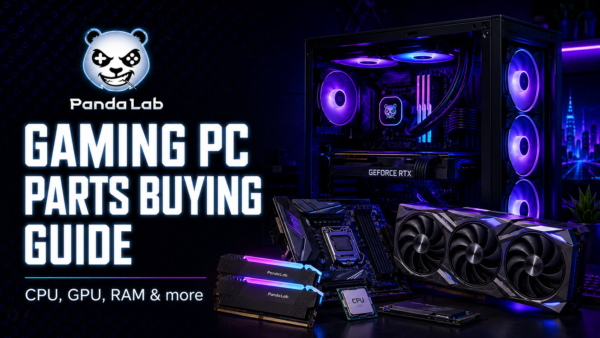
The most important parts to understand are the CPU, GPU, RAM, and storage. The GPU has the biggest impact on gaming visuals and FPS. The CPU helps with overall speed, multitasking, and high-refresh-rate gaming. RAM keeps games and background apps running smoothly. SSD storage makes loading times faster and keeps your system responsive.
| Gaming level | Best for | Recommended focus |
|---|---|---|
| Entry-level | Casual games, esports, first setup | Good 1080p performance, SSD, comfortable peripherals |
| Mid-range | Modern games, smoother graphics, better FPS | Stronger GPU, 16GB RAM or more, 144Hz monitor |
| High-end | Competitive gaming, streaming, 1440p or 4K | Powerful GPU, strong CPU, fast SSD, premium cooling |

2. The Monitor: where performance becomes visible
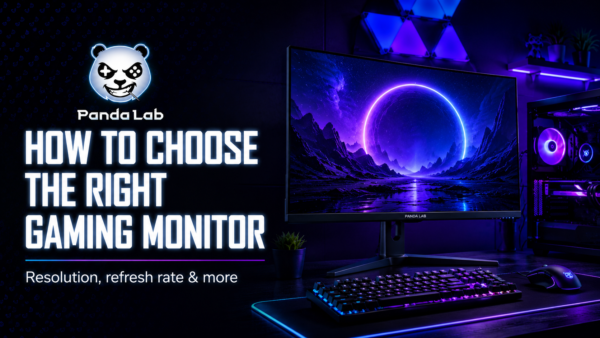
A good PC without the right monitor is like a sports car stuck in traffic. If your monitor is limited, you will not fully feel the power of your setup. The most important things to check are resolution, refresh rate, response time, and panel type.
Resolution
1080p is still great for competitive gaming. 1440p gives sharper visuals and is a strong sweet spot. 4K is beautiful, but it needs a powerful GPU.
Refresh rate
144Hz feels much smoother than 60Hz, especially in shooters and fast games. 240Hz is for players who want every competitive advantage.
Response time
Lower response time helps reduce motion blur and ghosting. For competitive gaming, look for fast panels with 1ms to 5ms response time.
The key is matching your monitor to your PC. If your PC cannot push high FPS, buying a very high-refresh-rate monitor will not magically improve performance. But if your PC is powerful, a fast monitor can make the whole setup feel sharper and more responsive.
3. Keyboard, mouse, and headset: your control center
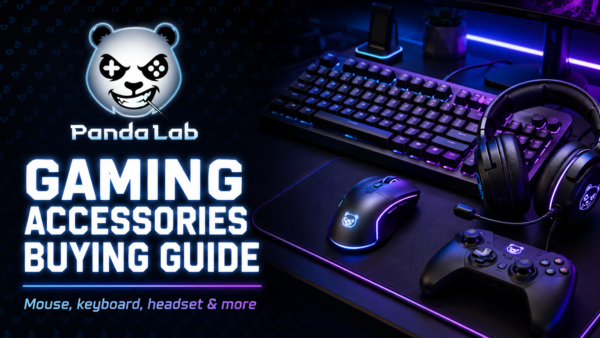
Peripherals are not just accessories. They are the parts you touch, hear, and use every second. A better mouse can improve aiming comfort. A better keyboard can make inputs feel faster and more satisfying. A good headset can help you hear movement, communicate clearly, and stay immersed.
Gaming keyboard
Choose the layout that fits your desk. Full-size keyboards are complete, TKL saves space, and compact keyboards give more mouse movement room.
Gaming mouse
Focus on shape, weight, sensor quality, and comfort. The best mouse is not always the one with the highest DPI, but the one you can control naturally.
Gaming headset
Look for clear sound, comfortable ear cups, a good microphone, and compatibility with your platform: PC, PlayStation, Xbox, or mobile.

4. Do not forget the mousepad, desk, and chair
A smooth mousepad can make aiming more consistent. A stable desk gives you more control. A comfortable chair helps you play, work, or create for longer without feeling destroyed after every session.
Ergonomics are simple: your monitor should be close to eye level, your arms should feel relaxed, and your mouse space should be wide enough for natural movement. If your setup looks amazing but feels uncomfortable after 30 minutes, it is not finished yet.
5. RGB and aesthetics: make the setup yours
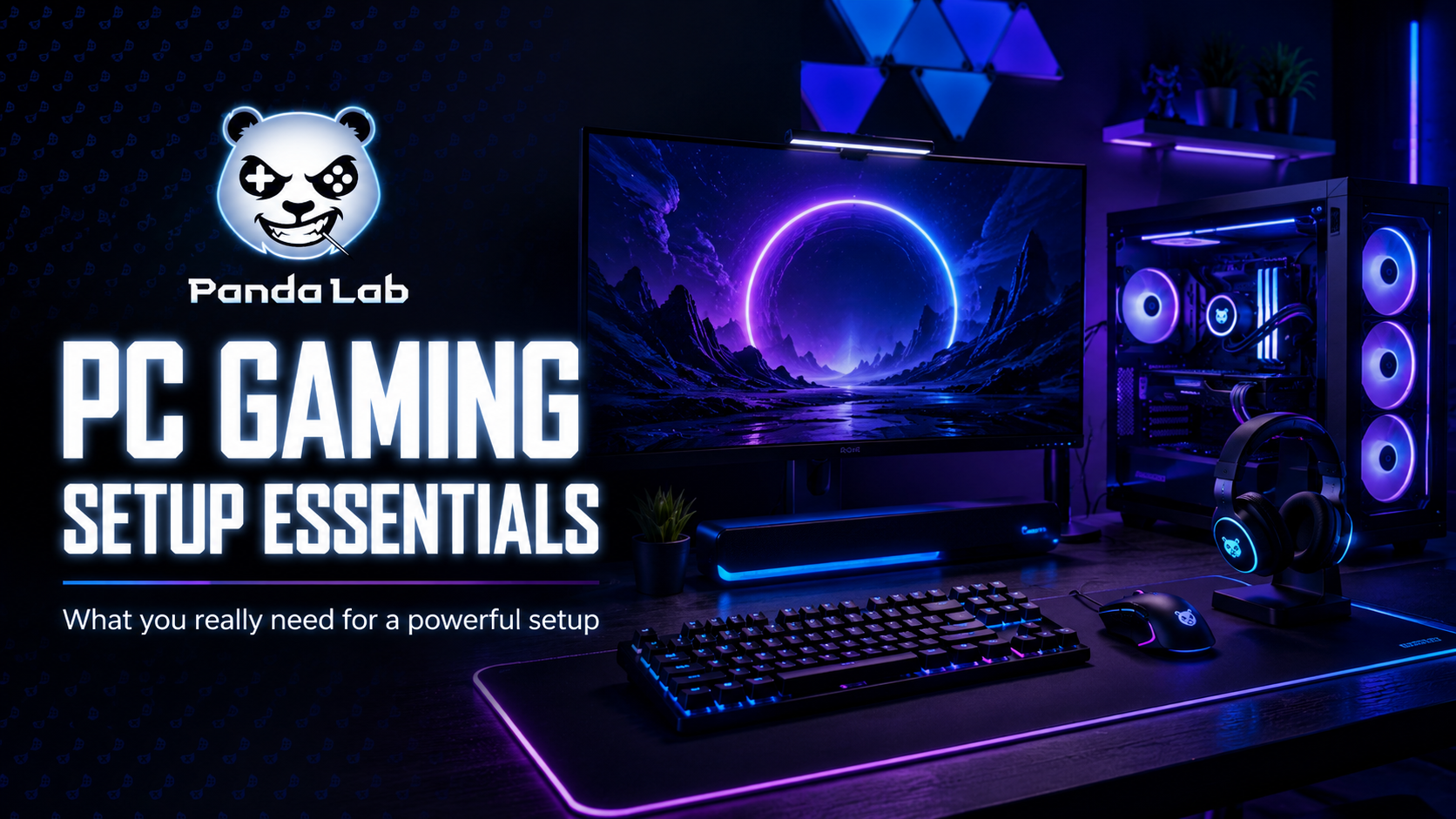
A gaming setup should feel personal. Some gamers love a full RGB battlestation. Others prefer a clean black setup with subtle blue light. There is no single right style. The goal is to create a space you enjoy using every day.
Start with a simple color direction: blue and purple for a futuristic look, red and black for a more aggressive style, or white and soft lighting for a clean premium setup. Then add small details: cable management, a large desk mat, light strips, or a matching headset stand.

6. What should you upgrade first?
If you already have a setup and want to improve it, do not upgrade blindly. Start with the weakest part of your experience.
| Problem | Upgrade first | Why it matters |
|---|---|---|
| Games feel slow or laggy | GPU, CPU, RAM, or SSD | Improves performance, loading times, and smoothness |
| Gameplay does not feel smooth | Monitor | A higher refresh rate can make motion feel cleaner |
| Aiming feels uncomfortable | Mouse and mousepad | Better shape and surface improve control |
| You cannot hear details clearly | Headset | Better audio helps with immersion and team communication |
| Your desk feels messy | Cable management and desk accessories | Cleaner setup, better focus, more premium look |
Final thoughts: build smart, upgrade with purpose
The best PC gaming setup is not always the most expensive one. It is the one that makes sense for your games, your space, your comfort, and your budget. Start with the essentials, avoid random purchases, and upgrade step by step.
A good setup should give you three things: smooth performance, comfortable control, and a space you are proud to use. When those three come together, gaming simply feels better.
Need help choosing your next upgrade?
Panda Lab brings together selected PC components, gaming accessories, and performance gear for gamers, builders, and creators in Tunisia. Whether you need a monitor, mouse, keyboard, headset, or full setup idea, start with gear that actually fits your needs.
Explore Panda Lab Gear →