Gaming PC Parts Buying Guide
Gaming PC Parts Buying Guide
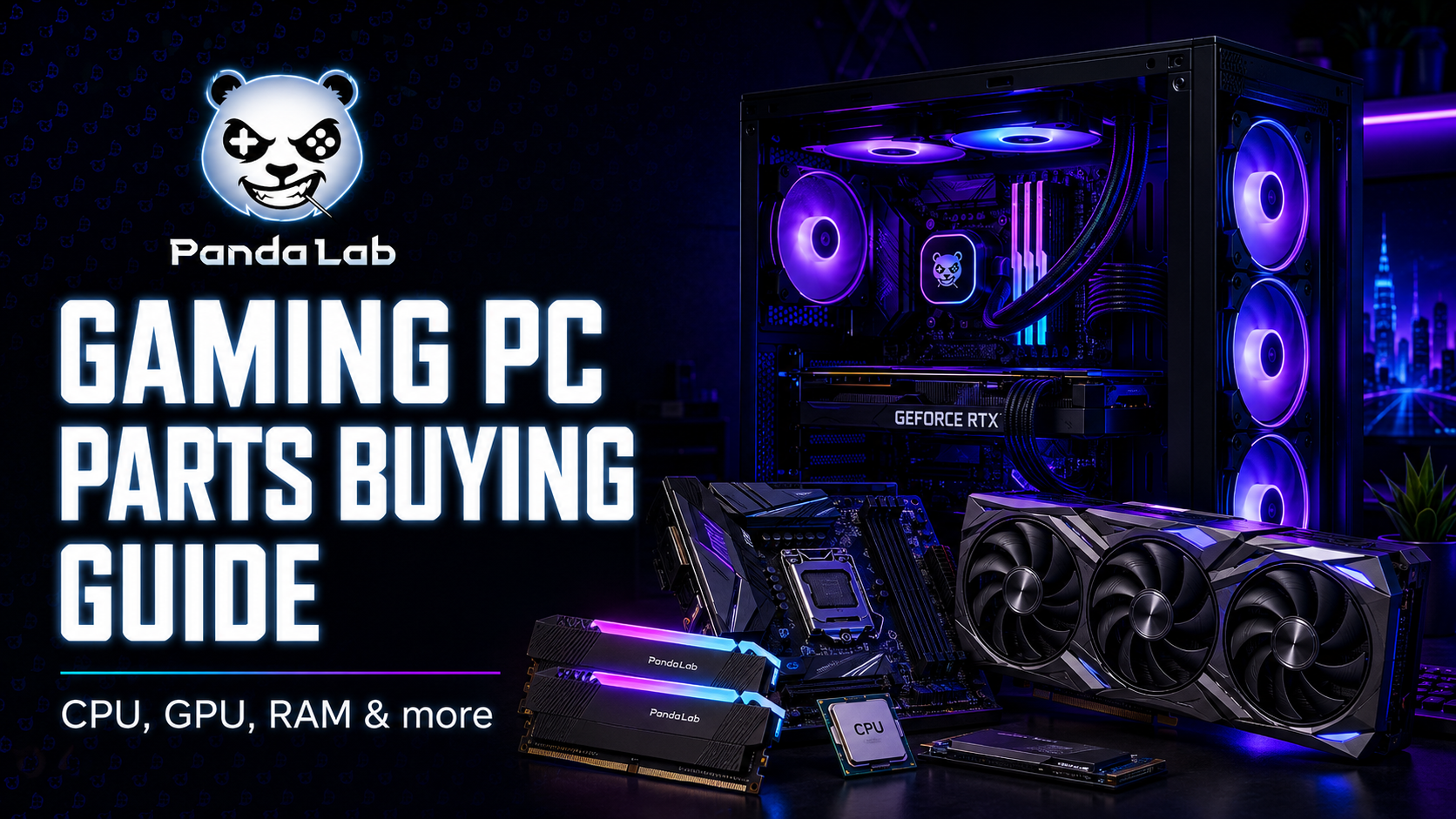
Choosing PC parts can feel complicated, but every great build starts with the same idea: understand what each component does, then build around your games, your screen, and your budget.
Do not buy parts randomly.
A gaming PC is not just a list of expensive components. It is a system where every part needs to work with the others. A powerful graphics card needs the right power supply. A processor needs a compatible motherboard. A beautiful case still needs airflow. And the monitor should match the performance your PC can actually deliver.
This guide explains the main gaming PC parts in a simple way, so you can understand what matters before buying or upgrading.
1. CPU: the brain of your gaming PC
The CPU, or processor, handles instructions, game logic, background tasks, and general system responsiveness. In gaming, it matters a lot for high FPS, especially in competitive games, simulation games, and titles that rely heavily on CPU performance.
You do not always need the most expensive CPU. For many gamers, a strong mid-range processor is enough, especially when paired with the right graphics card. The important thing is to choose a CPU that fits your motherboard, your games, and your future upgrade plan.
Entry-level
Good for esports, casual games, and budget builds. Focus on value and avoid overspending.
Mid-range
The sweet spot for most gamers. Good for smooth gaming, multitasking, and long-term comfort.
High-end
Best for demanding games, streaming, heavy multitasking, and premium setups.

2. GPU: the part gamers care about most
The GPU, or graphics card, is one of the most important parts for gaming performance. It handles the visuals, frame rate, resolution, and effects like ray tracing. If you want better graphics and smoother gameplay, the GPU is usually the first component to look at.
But the best GPU depends on your monitor. If you play at 1080p, you may not need the same GPU as someone playing at 1440p or 4K. Buying a powerful card for a weak monitor can waste money. Buying a weak card for a high-resolution monitor can create frustration.
| Target | Recommended direction | Best for |
|---|---|---|
| 1080p gaming | Budget to mid-range GPU | Esports, casual games, high FPS on lighter titles |
| 1440p gaming | Strong mid-range or high-end GPU | Balanced visuals and smooth performance |
| 4K gaming | High-end GPU | Premium visuals, demanding AAA games |
| Streaming + gaming | Stronger GPU and CPU combo | Playing, recording, and content creation |
3. Motherboard: the foundation of the build
The motherboard connects all the main parts of your PC. It decides what CPU you can use, what RAM type is supported, how many storage drives you can install, and what expansion options you have.
Before buying a motherboard, check the CPU socket, chipset, RAM compatibility, size, M.2 slots, Wi-Fi or Ethernet needs, and available USB ports. A motherboard does not directly give you more FPS like a GPU, but choosing the wrong one can block your whole build.
Socket
Must match the CPU. This is the first compatibility check before anything else.
Form factor
ATX, Micro-ATX, or Mini-ITX. It must fit inside your case.
Expansion
Check PCIe slots, RAM slots, M.2 slots, USB ports, and networking features.

4. RAM: smooth multitasking and better comfort
RAM helps your PC keep active tasks ready. For gaming, it affects smoothness, loading behavior, multitasking, and how comfortable the system feels when you have other apps open.
For most modern gaming setups, 16GB is a practical minimum. 32GB is better if you want more comfort, heavier games, streaming, editing, or long-term future-proofing.
| RAM amount | Best for | Recommendation |
|---|---|---|
| 8GB | Very light use | Not ideal for modern gaming |
| 16GB | Most gamers | Good starting point |
| 32GB | Gaming + multitasking | Best comfort zone |
| 64GB+ | Heavy creation work | Useful for advanced workloads, not necessary for most gamers |
5. Storage: SSD first, HDD only if needed
Storage affects boot time, game loading, file transfers, and general responsiveness. For a modern gaming PC, an SSD is essential. NVMe SSDs are especially fast and clean because they connect directly to the motherboard.
A practical setup is to use an NVMe SSD for Windows, apps, and favorite games. If you have a huge game library, you can add a second SSD or a large HDD for extra storage.
NVMe SSD
Fastest and cleanest option. Great for your system and main games.
SATA SSD
Still fast and useful for extra game storage.
HDD
Good for cheap large storage, but slower for games and daily use.

6. PSU: the part you should never cheap out on
The PSU, or power supply unit, delivers power to all your components. It is not the most exciting part, but it is one of the most important. A bad PSU can create instability, crashes, noise, or even damage risk.
Choose a reliable PSU from a trusted brand, with enough wattage for your CPU and GPU. It is also smart to keep some extra headroom for future upgrades.
7. Case and cooling: performance needs airflow
The case is not only about looks. It affects airflow, cooling, component space, cable management, noise, and future upgrades. A beautiful case with poor airflow can make your components hotter and louder.
Cooling can be air cooling or liquid cooling. Air coolers are simple and reliable. Liquid coolers can look premium and handle high-performance CPUs well, but they are not always necessary for every build.
Good airflow
Look for mesh panels, enough fan mounts, and a layout that lets air move easily.
Enough space
Check GPU length, cooler height, motherboard size, and cable management room.
Clean design
RGB is nice, but a clean, well-cooled build will age better than a messy one.
8. Peripherals: the parts you actually touch
A PC build is not complete without peripherals. Your monitor, keyboard, mouse, headset, speakers, and mousepad shape how the setup feels every day.
A strong PC with a weak monitor or uncomfortable mouse can still feel bad. This is why Panda Lab treats accessories as part of the full setup, not as random extras.
| Peripheral | What to check | Why it matters |
|---|---|---|
| Monitor | Resolution, refresh rate, response time | Turns PC performance into visible smoothness |
| Mouse | Shape, weight, sensor, grip comfort | Improves aiming and control |
| Keyboard | Layout, switches, build quality | Affects typing, gaming feel, and desk space |
| Headset | Comfort, sound, microphone, compatibility | Improves immersion and communication |
9. Compatibility: the step beginners often skip
Compatibility is what makes or breaks a build. Before buying, make sure the CPU matches the motherboard socket, the RAM is supported, the GPU fits in the case, the PSU has enough wattage, and the cooler fits inside the chassis.
Also check if your motherboard supports the storage you want, if your case supports the motherboard size, and if your monitor can actually use the FPS your PC produces.
10. What should you upgrade first?
If you already have a PC, you do not always need a full new build. Sometimes one smart upgrade can make the setup feel much better.
| Problem | Upgrade first | Why |
|---|---|---|
| Low FPS | GPU or CPU | These have the biggest impact on game performance |
| Long loading times | SSD | Improves boot time and game loading |
| Stutters with many apps open | RAM | Gives more room for games and multitasking |
| Hot or noisy PC | Cooling and airflow | Keeps the system stable and quieter |
| Gameplay feels visually limited | Monitor | A better screen can unlock smoother and sharper visuals |
Final thoughts: build smart, not loud
A good gaming PC is not just the most expensive combination of parts. It is a balanced system that fits your games, your monitor, your budget, and your future upgrade plan.
Start with your goal. Are you playing competitive games at high FPS? Do you want beautiful 1440p visuals? Are you building a setup for gaming and content creation? Once the goal is clear, choosing the right parts becomes much easier.
Ready to build or upgrade your setup?
Panda Lab brings together selected PC components, gaming accessories, and performance gear for gamers, builders, and creators in Tunisia.
Explore Panda Lab Gear →