Gaming Accessories Buying Guide
Gaming Accessories Buying Guide
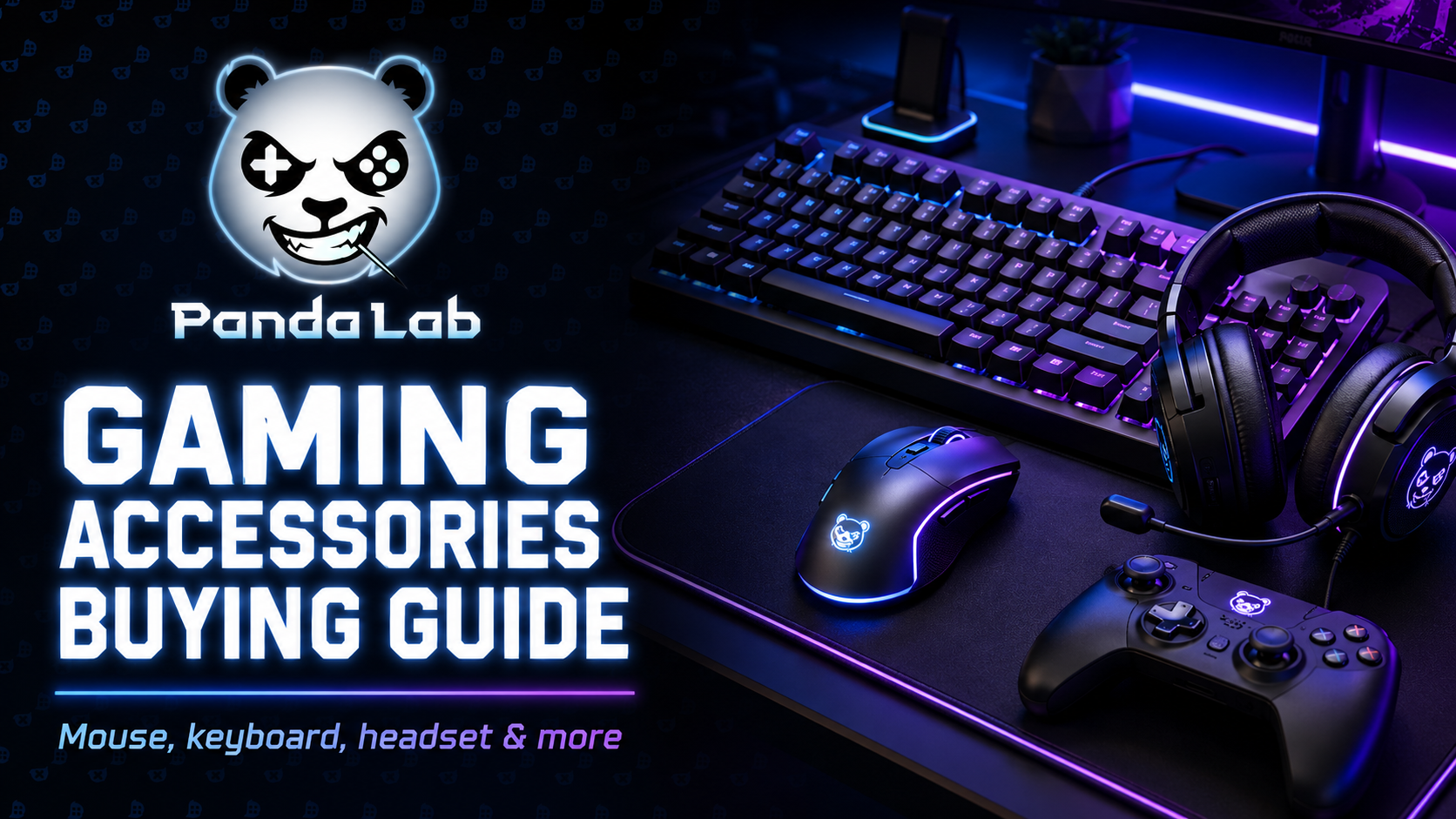
The right accessories can change your whole setup: better control, clearer sound, smoother comfort, and a desk that actually feels built for gaming.
Accessories are not “extras”. They are the part you feel every day.
A powerful PC is important, but your daily experience depends on the accessories around it. Your mouse controls your aim. Your keyboard controls your movement. Your headset controls what you hear and how your team hears you. Your mousepad, desk, lighting, and small setup details decide whether your space feels clean, comfortable, and ready to play.
This guide helps you choose gaming accessories with purpose, not just because they look cool or have RGB.
1. Gaming mouse: control starts in your hand
A gaming mouse is one of the most personal accessories in your setup. The best mouse is not always the one with the highest DPI or the most buttons. It is the one that fits your hand, your grip, your game type, and your movement style.
FPS players usually prefer lighter mice with accurate sensors and simple button layouts. MMO or productivity users may prefer more programmable buttons. For daily gaming, comfort matters more than marketing numbers.
Shape
The mouse should feel natural in your hand. Palm, claw, and fingertip grips all feel better with different shapes.
Weight
Lightweight mice are easier for fast movements. Heavier mice can feel more stable for some users.
Sensor
A good sensor gives consistent tracking. Ignore crazy DPI numbers if the mouse is uncomfortable.

2. Gaming keyboard: speed, comfort, and desk space
A gaming keyboard affects both gameplay and daily use. The main things to check are layout, switch type, build quality, keycap feel, and whether you need wired or wireless.
Full-size keyboards give you everything, including the number pad. TKL keyboards remove the number pad and give more mouse space. Compact keyboards are great for small desks and FPS players who need wide mouse movement.
| Keyboard layout | Best for | Why choose it |
|---|---|---|
| Full-size | Gaming + work | Includes number pad and all function keys |
| TKL | Most gamers | Saves space while keeping function keys |
| 75% | Compact setups | Small footprint with practical keys |
| 60% / compact | FPS players and minimal desks | Maximum mouse space, very clean look |
Mechanical switches
Often preferred for gaming because they feel responsive, durable, and satisfying. The feel depends on the switch type.
Membrane keyboards
Usually quieter and cheaper, but they may feel less precise or less premium compared to mechanical options.

3. Gaming headset: hear better, communicate better
A gaming headset is important for immersion, focus, and team communication. Good audio can help you hear footsteps, direction, explosions, ambient details, and teammates clearly.
Comfort is just as important as sound. If the headset is too heavy, too tight, or too hot, you will hate it after one hour. Look for soft ear cups, a stable headband, clear microphone quality, and compatibility with your platform.
Sound quality
You want clear details, balanced sound, and enough directionality for competitive games.
Microphone
A clear mic makes team communication easier and avoids annoying background noise.
Comfort
Soft cushions, light weight, and good fit matter more than flashy design.

4. Mousepad: the most underrated upgrade
A mousepad sounds simple, but it can change your aim consistency. A small cheap pad can limit your movement, especially if you play FPS games with lower sensitivity.
Large desk mats are popular because they give more space, protect the desk, and make the full setup look cleaner. The surface also matters: some pads are faster and smoother, while others give more control.
| Mousepad type | Best for | Feel |
|---|---|---|
| Small mousepad | Basic use | Limited movement space |
| Large mousepad | Most gamers | Comfortable movement and better control |
| Extended desk mat | Clean setups | Covers keyboard and mouse area |
| Hard surface pad | Fast movement | Very quick glide, less cushion |
5. Controllers and extra devices
Even on PC, a controller can be useful. Racing games, fighting games, platformers, sports games, and casual titles often feel better with a controller. Some gamers also use stream decks, USB hubs, microphone arms, or speakers depending on their setup.
Controller
Great for racing, sports, platformers, casual games, and couch-style gaming.
USB hub
Useful if your setup has many accessories and your PC ports are hard to reach.
Speakers
A clean speaker setup is nice for casual gaming, music, and general desk use.
6. Desk setup extras: small details, big difference
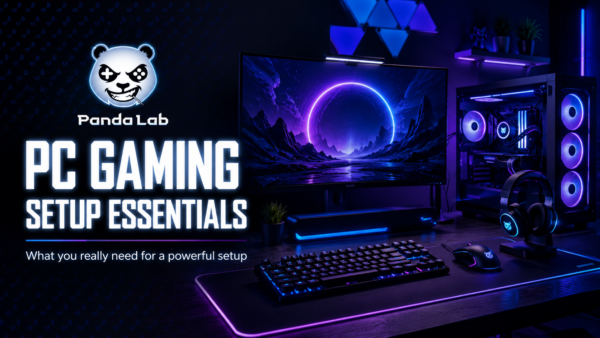
Some accessories do not increase FPS, but they make the setup feel cleaner and more premium. Cable clips, monitor arms, headset stands, LED strips, desk mats, and small storage accessories can completely change the look and comfort of your gaming space.
Monitor arm
Frees desk space, improves screen position, and gives the setup a cleaner look.
Headset stand
Keeps your headset safe, visible, and easy to grab without making the desk messy.
Cable management
Makes the setup look more premium and helps reduce visual clutter.
Lighting
Adds atmosphere, but it should support the setup instead of making everything distracting.

7. How to choose accessories based on your gaming style
The best accessory depends on the type of games you play. A competitive FPS player does not need the same setup as someone who plays story games, MMOs, or racing games.
| Gaming style | Priority accessories | What to focus on |
|---|---|---|
| FPS / competitive | Mouse, mousepad, headset, keyboard | Lightweight control, clear audio, fast response |
| MMO / RPG | Mouse with buttons, comfortable headset, keyboard | Macros, comfort, long-session usability |
| Racing / sports | Controller, headset, monitor | Comfort, immersion, smooth visuals |
| Creator + gamer | Keyboard, headset/mic, monitor arm, desk mat | Productivity, comfort, clean workspace |
8. What should you upgrade first?
If your budget is limited, do not buy everything at once. Start with the accessory that fixes your biggest problem.
| Problem | Upgrade first | Why |
|---|---|---|
| Your aim feels inconsistent | Mouse + mousepad | Better shape and surface improve control |
| You cannot hear details clearly | Headset | Better audio helps with immersion and team play |
| Your desk feels crowded | Compact keyboard or monitor arm | Creates more space and cleaner movement |
| Your setup looks messy | Desk mat and cable management | Improves the full visual feel instantly |
| You play many controller-friendly games | Controller | Some games simply feel better with analog control |
Final thoughts: choose gear that makes sense
Gaming accessories should improve your setup, not just decorate it. A great mouse gives control. A good keyboard feels responsive. A comfortable headset keeps you focused. A clean desk makes the whole experience better.
Start with your needs, not the hype. Upgrade the parts you touch and use the most, then build the rest of the setup around comfort, performance, and style.
Upgrade your setup with Panda Lab
Panda Lab brings together selected gaming accessories, PC components, and performance gear for gamers, builders, and creators in Tunisia.
Explore Panda Lab Gear →